Honey acetate eyewearFine detail
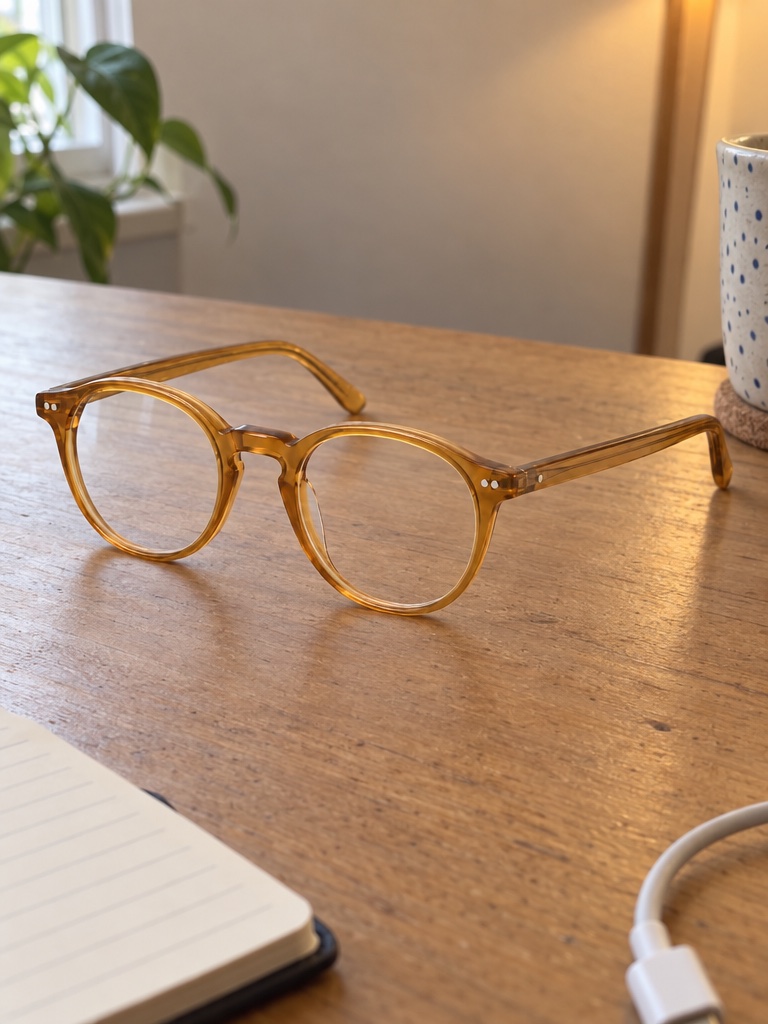
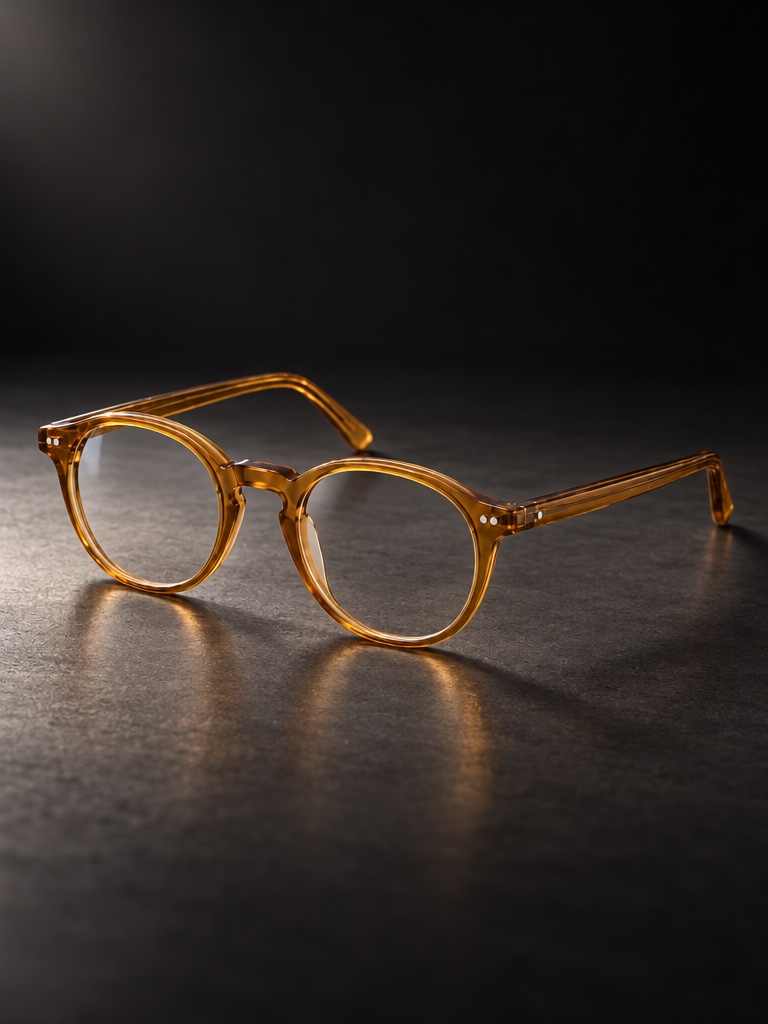
The hingePhone photo · Onframe
Cut from both images at the same point: the pins, the rivets and the colour of the acetate.
Start with a photo you already have. Create images for your shop and campaigns, then refine each shot in your own words.
“We’re launching a red desk lamp and all we have is this phone photo. We need a campaign hero and a shot that shows it in a real workspace.”
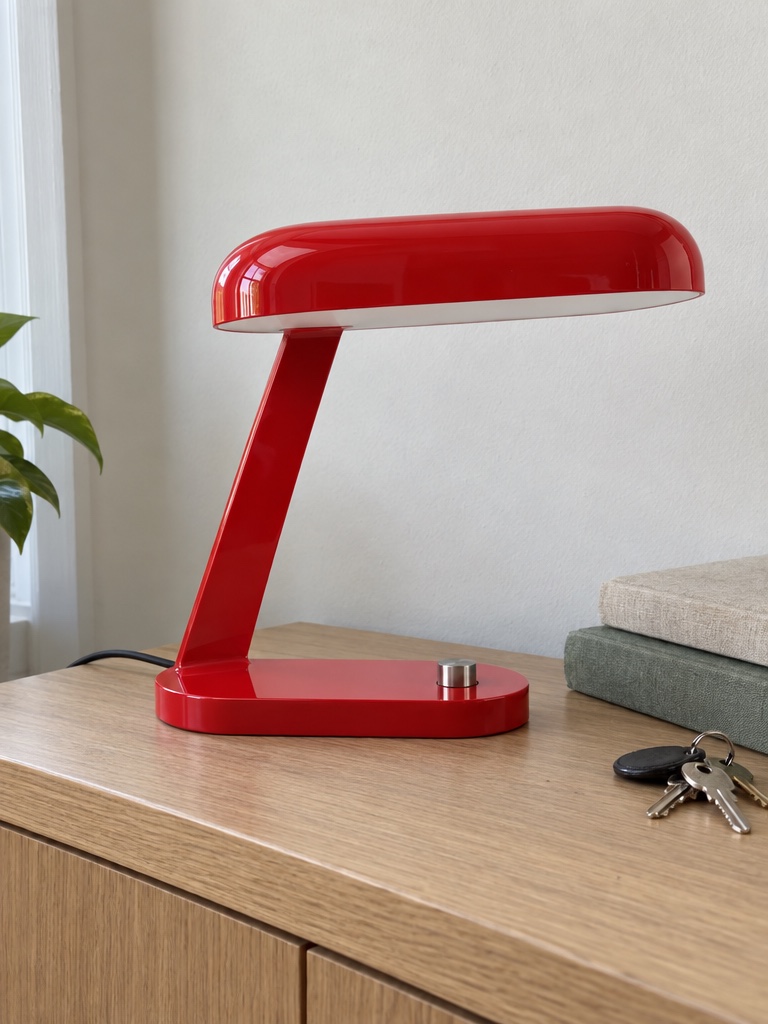
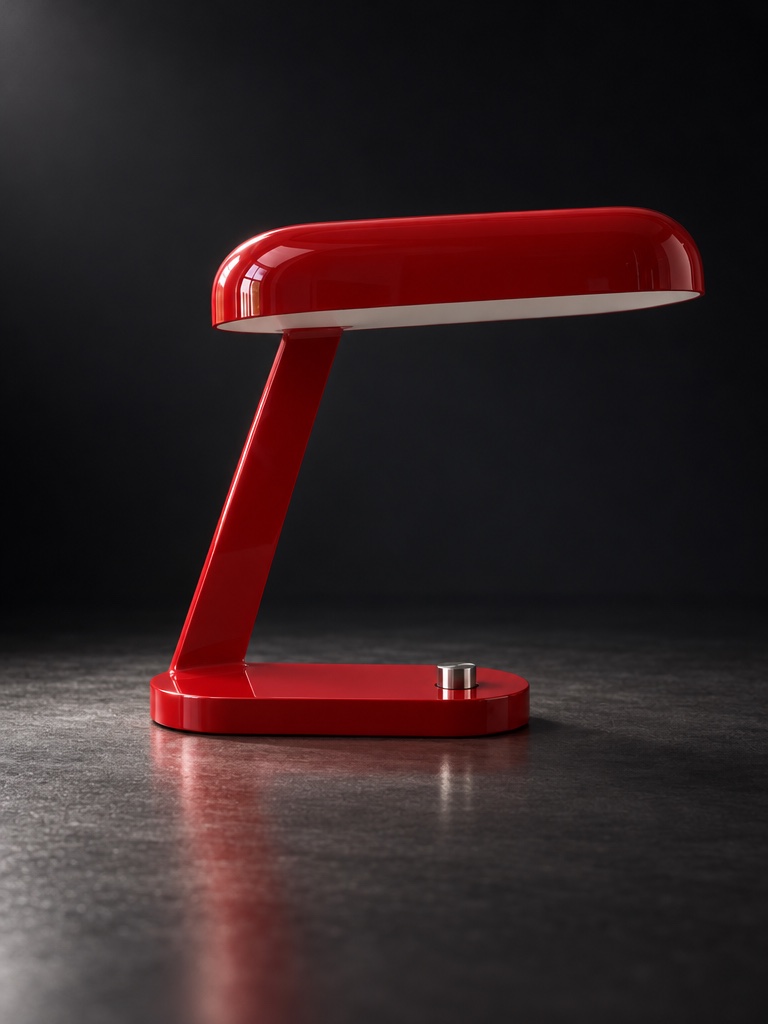
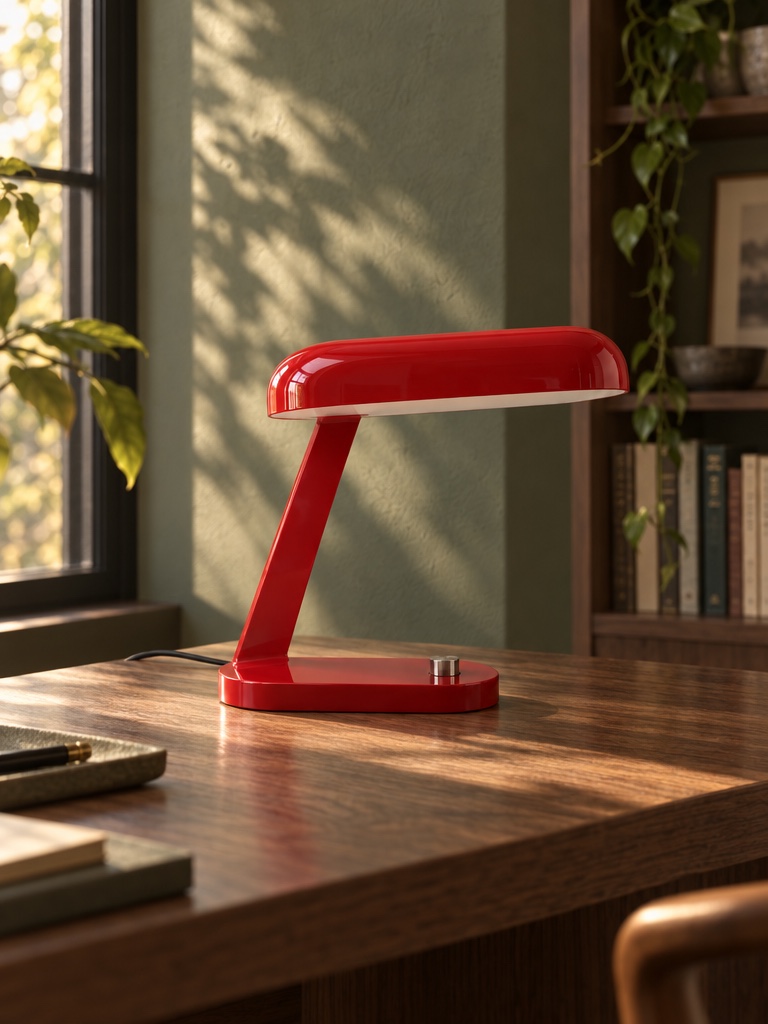
“Switch it on. Make it the only light in the room.”
Dark Studio
Changed from #1 #2 · 3:4100%#1#2
Two more products, two more materials: translucent acetate from a phone photo, and textured fabric at a wet trailhead.
The hingePhone photo · Onframe
Cut from both images at the same point: the pins, the rivets and the colour of the acetate.
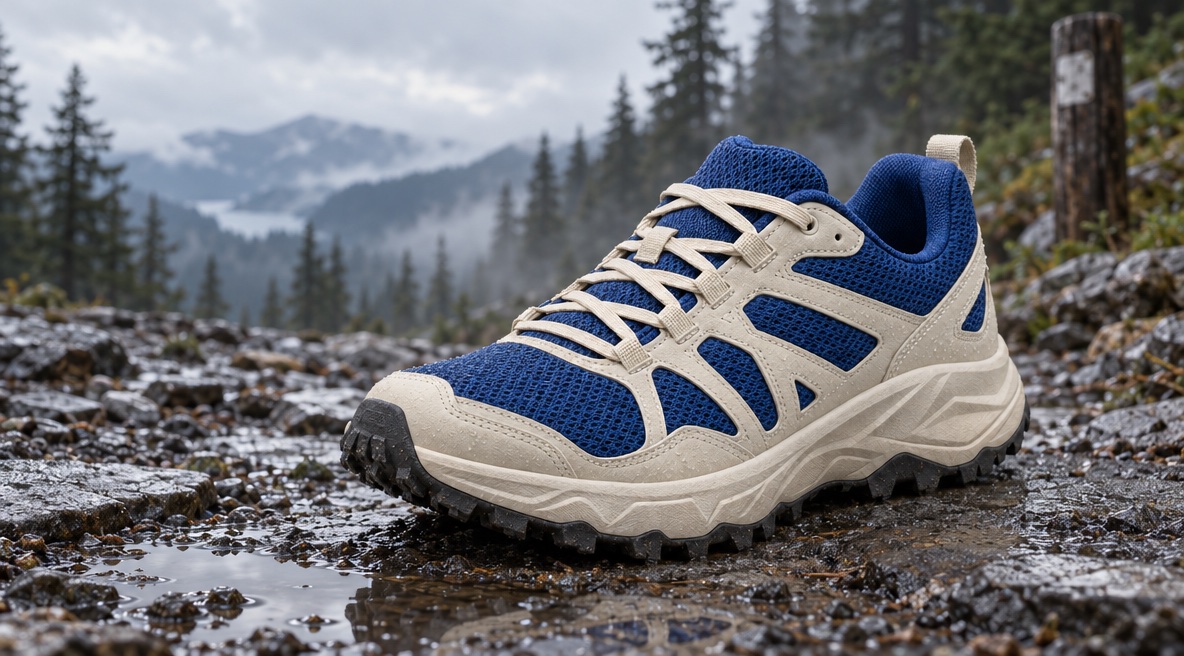
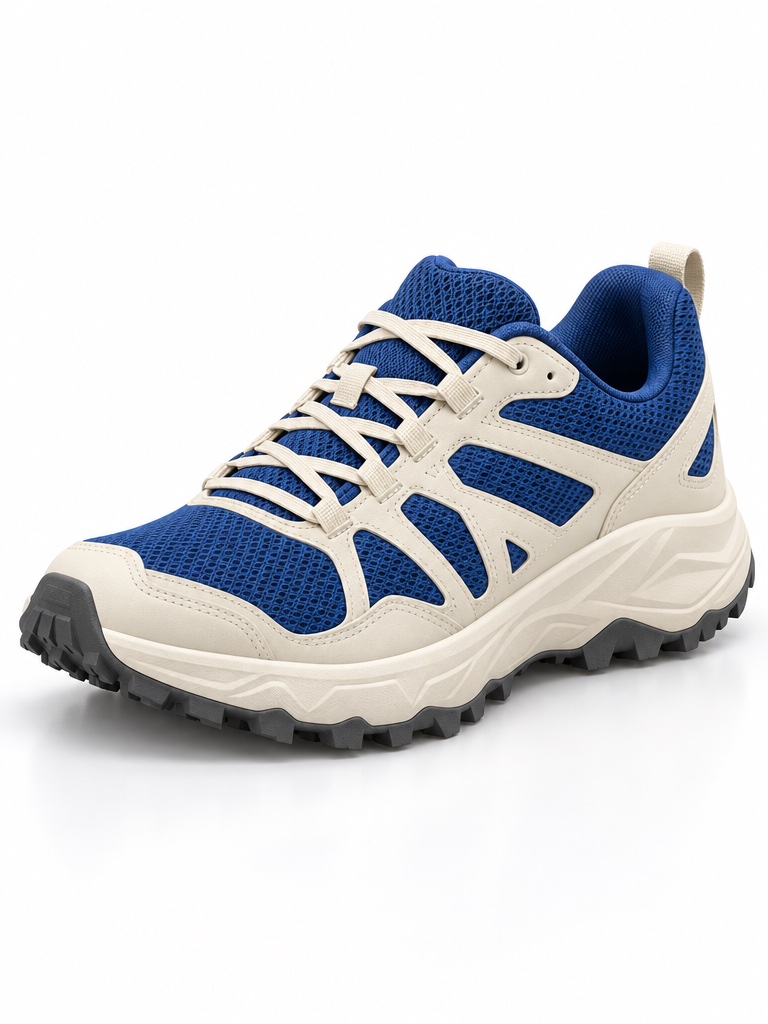
Textured fabric. Wet gravel at a trailhead gives the mesh, the stitching and the tread something to catch the light; on white the same shoe is the packshot for the shop.
One plain photo of the product is enough: a shop packshot or a phone photo on a simple background, the whole product in it and in focus. Enter your website and Onframe uses the product photos from there, or upload the photo yourself. Or .
Nothing during the preview. The first frames are made from your site, free and without an account. An account comes after: during the preview, accounts are approved by hand, usually within a day, and each has a monthly allowance of frames. Pricing follows the preview, and nothing is charged before it is announced.
The first three frames from your website take about a minute. In the studio a frame comes back in a minute or two at 2K; a change you ask for is a new frame in the same time.
The frames you make are yours to use for your brand: on your shop, in your campaigns, wherever your product shows up.
Enter your website for three free frames, or upload one photo and start your brief. No account needed.
Get started with an account